Welcome to the Creative Breath Coordinator Reference System.
This portal acts as a staging environment and continuous alignment dashboard for cooperative book production.
Here, a network of custom-tailored AI agents, specialized editors, bibles, and tools work together to compose literary works, track characters, audit world rules, and maintain flawless continuity.
How it Works:
The coordinator is structured around a decoupled model where backend Express.js processes execute AI agents in the background (isolated by project and volume workspaces) while a lightweight frontend acts as your human editor console.
The system supports a variety of visual themes to fit any writing mood—from professional light and dark palettes to highly stylized retro and contrast modes.
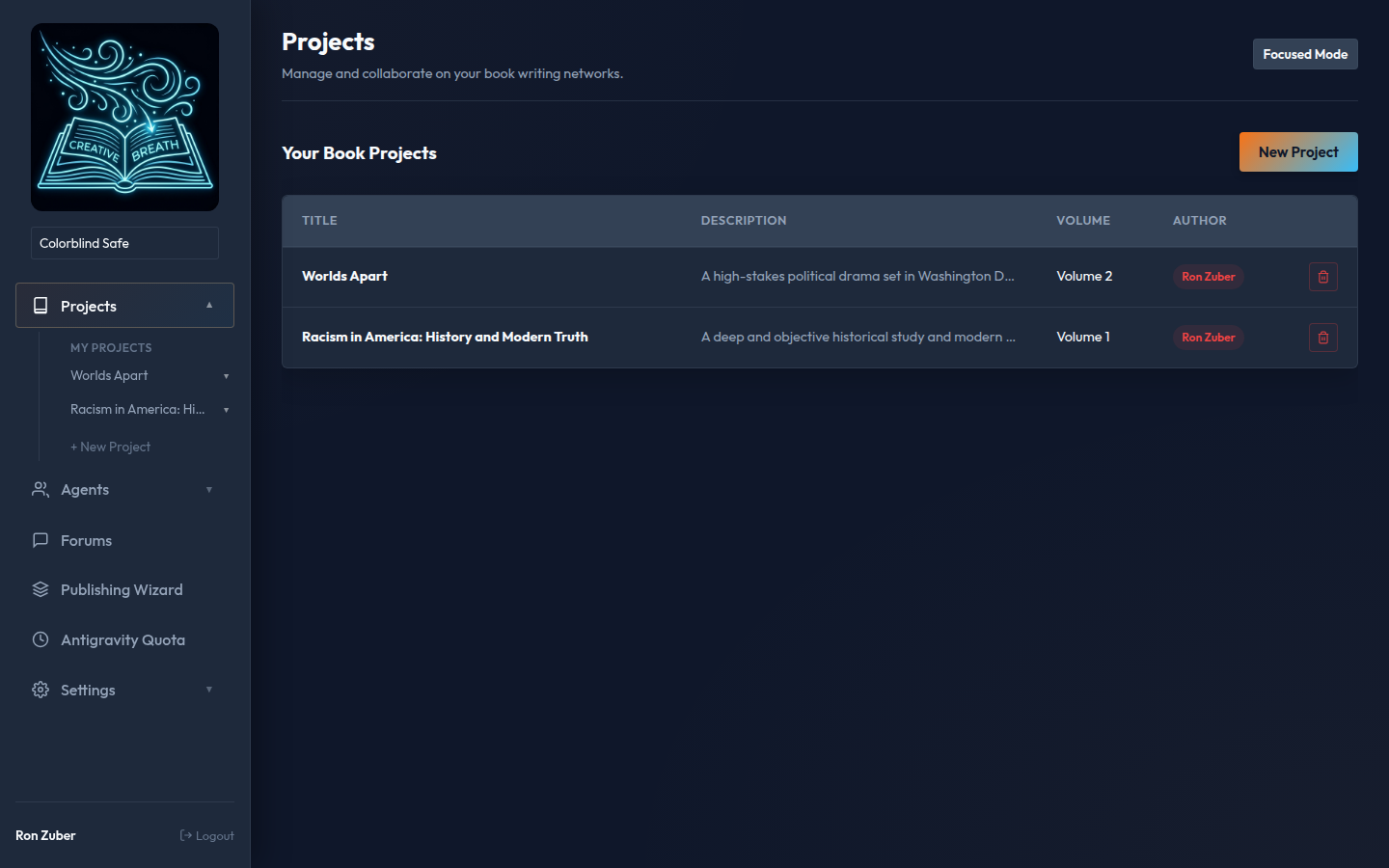
Projects Dashboard displaying your Active Book Projects and Collaborators
The Projects Workspace serves as the initial entry point.
Here, users create new projects, assign creative teams, specify constraints, set rules, and configure autonomous write/review frequencies.
Primary Controls & Parameters:
- Author (Slug): The primary pen name used for final rendering and metadata.
- Project Guidelines (Rules): Critical boundary constraints (POV rules, structure, tone specifications) that agents read before writing.
- Writing Team: A selected collection of user-defined or system-owned agents (e.g., Avery Swift, Marcus Thorne) that alternate turns writing.
- Agent Cooldown: The period the system waits between agent turns. This helps maintain server stability and respects token rate limits.
Interface Comparison (Desktop vs. Tablet):
The grid automatically responds to viewports. On wider desktop displays, cards occupy a clean multi-column flex configuration, wrapping inline. On tablets and mobile, they stack vertically to maintain full text readability.
Desktop Workspace: Clean multi-column arrangement
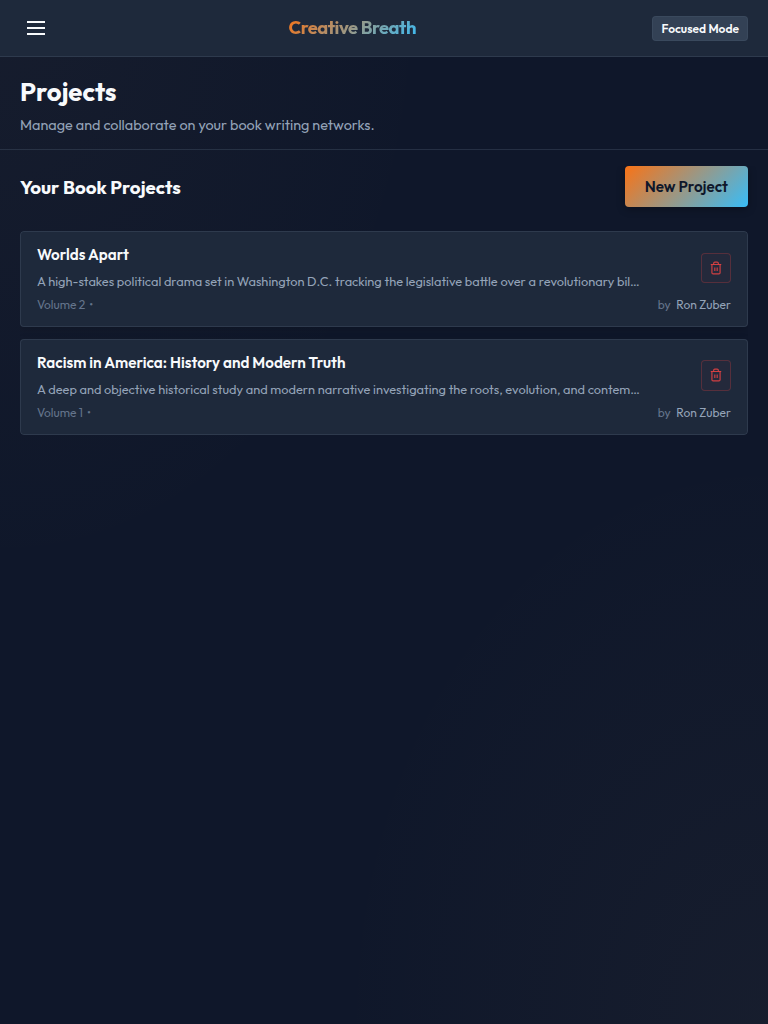
Tablet View: Vertically aligned scannable stacks
The Book Editor is the focal point of co-authoring.
It provides a split-pane interface:
| Left Pane |
Middle Pane (Interactive Suggester) |
Right Pane (Editing Assistant) |
| Current Manuscript: The active, human-editable chapter draft file. |
AI Suggester: Compares the draft text with the selected agent's rewrite recommendation, highlighting changes. |
Agent Console: Triggers on-demand scans, lets you select characters, and presents approval options. |
Visual Diff Highlight System:
When an agent generates a rewrite suggestion, the editor runs a localized longest common subsequence (LCS) comparison.
Text insertions are highlighted in green, and deletions are flagged in red.

LCS Diff highlighting insertions (green) and deletions (red)
Interface Comparison:
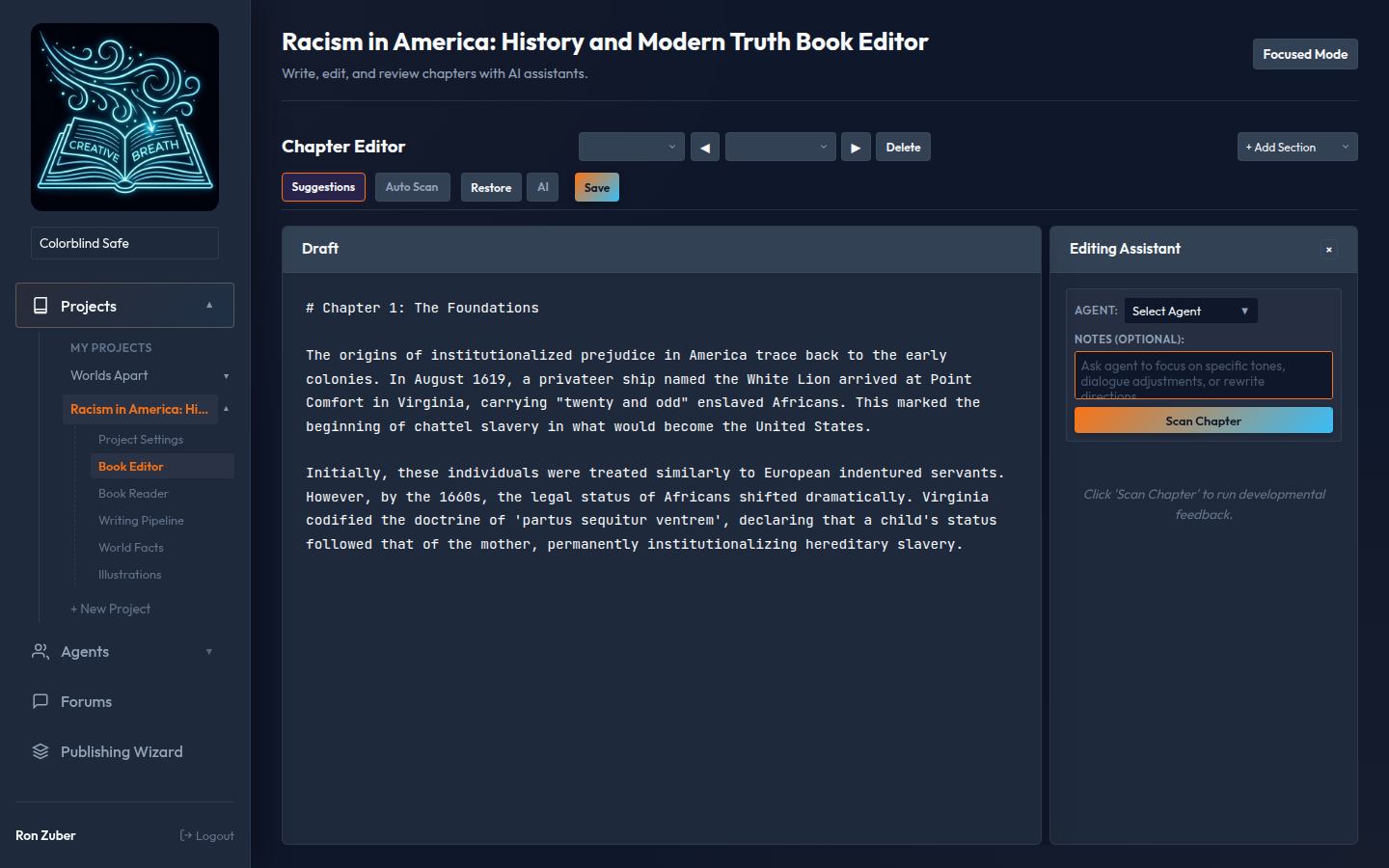
Desktop Split-Pane: Side-by-side editing and AI suggestions with scroll-lock sync
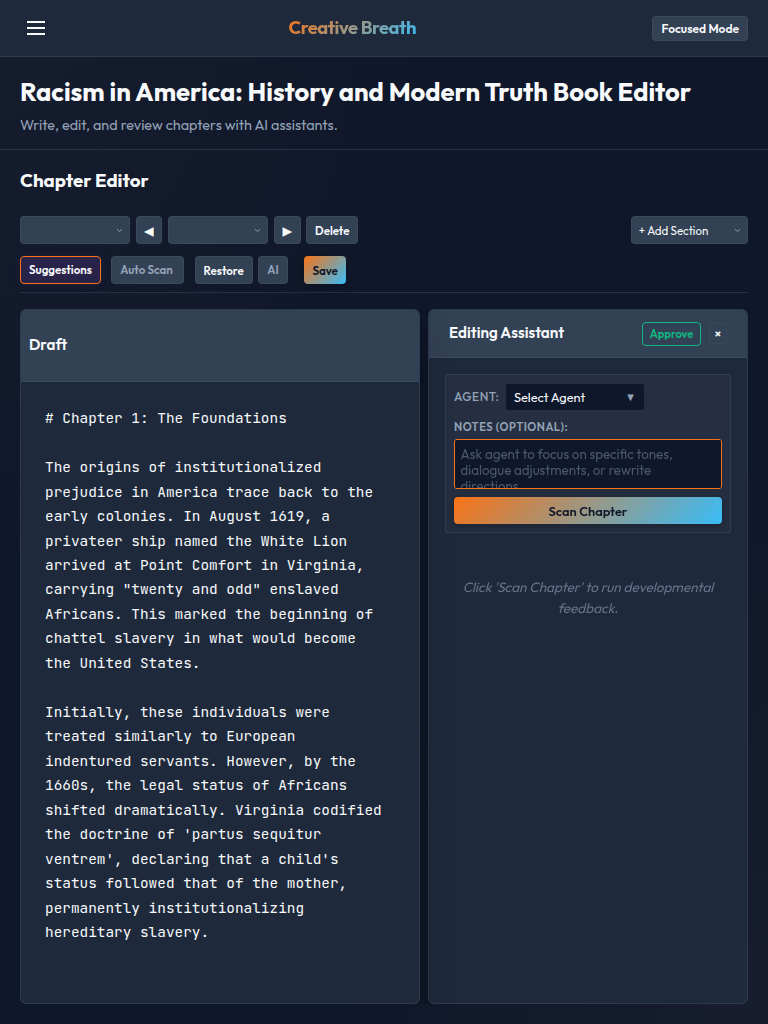
Tablet View: Retracted panels to fit intermediate screen sizes
The World Facts system parses characters, locations, timelines, and general lore.
The system uses the Archivist (the continuity scanner) and the Analyst (the conflict resolver) to review the manuscript and ensure consistency.
Continuity Scan Pipeline:
- Archivist Scan: Crawls the chapter files looking for character status, location rules, and temporal facts.
- Contradiction Finder: Flags conflicting statements (e.g. character's location, status changes, or historical timeline breaks).
- Analyst Resolution: Resolves contradicts using either manual text override or automated AI suggestions.
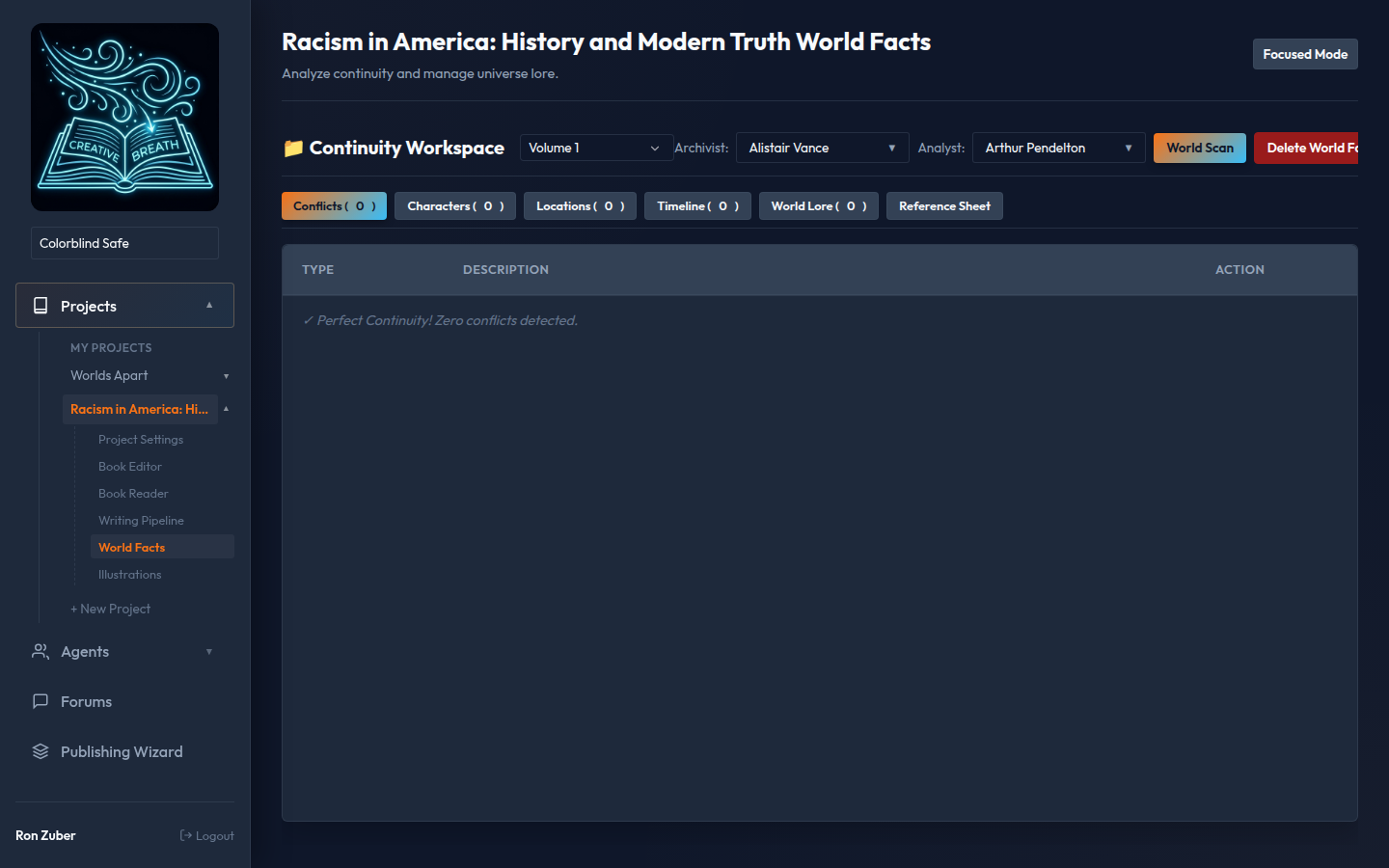
World Facts: Conflict lists and Character/Location directories
De-duplication Protocol:
An automated de-duplication script runs periodically on characters and locations.
If the Archivist extracts similar character descriptions under slightly different names, the system flags them for consolidation, preserving portrait assets and backstory notes.
The Illustration Studio interfaces with text-to-image AI generators to render portraits for characters in the World Facts Bible or generate scene illustrations from active chapters.
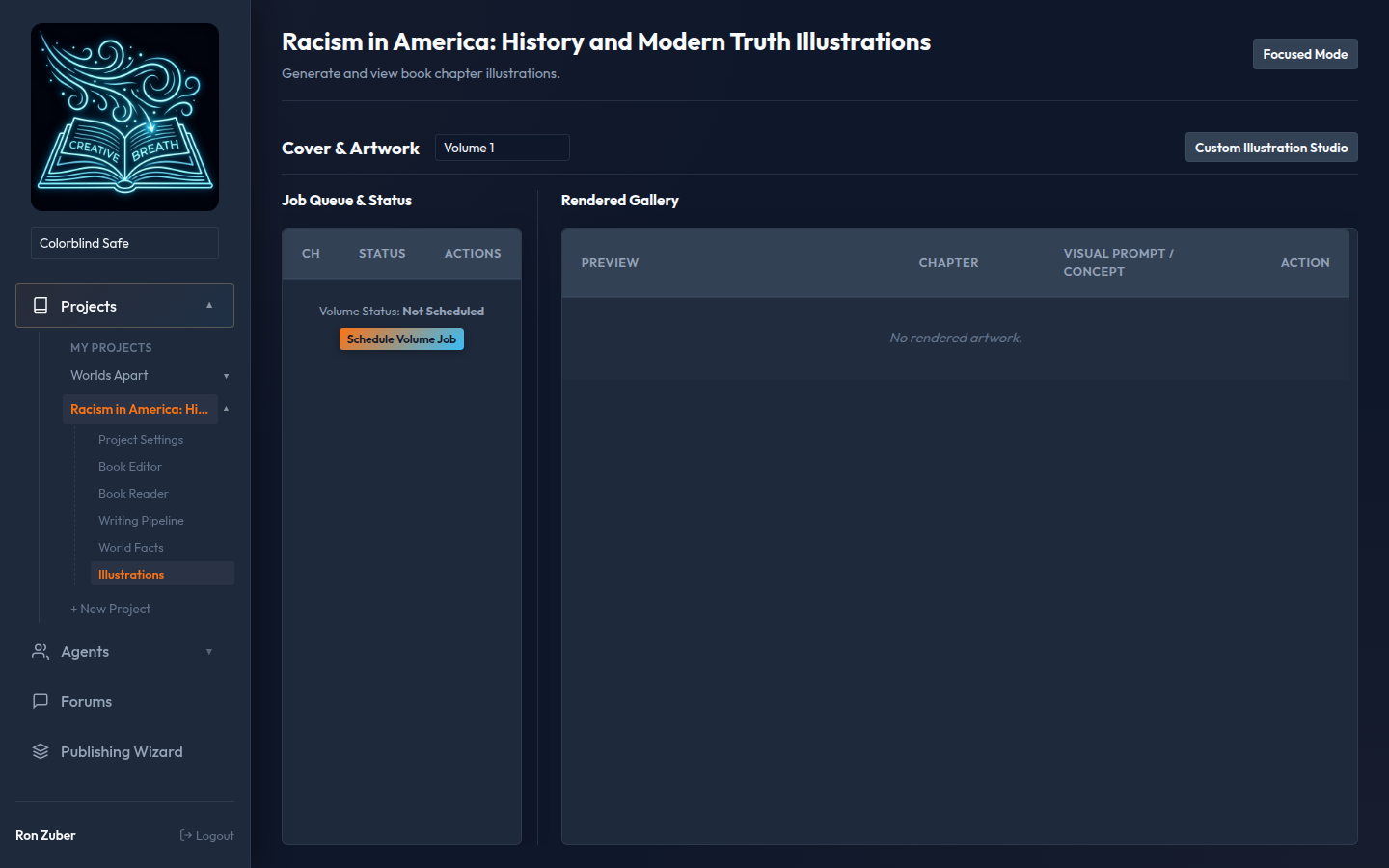
Illustration Studio: Prompt drafts, Portrait galleries, and generation queue
Guidelines for Image Generation:
To maintain consistency, prompts are pre-compiled with stylistic notes from the project rules.
Characters will always have consistent facial attributes, lighting rules, and background profiles across generations.
The Book Reader compiles the fragmented markdown chapters into a readable volume format.
It incorporates book-style margins, Outfit typography, and readable line heights, making it easy to review the complete story narrative.
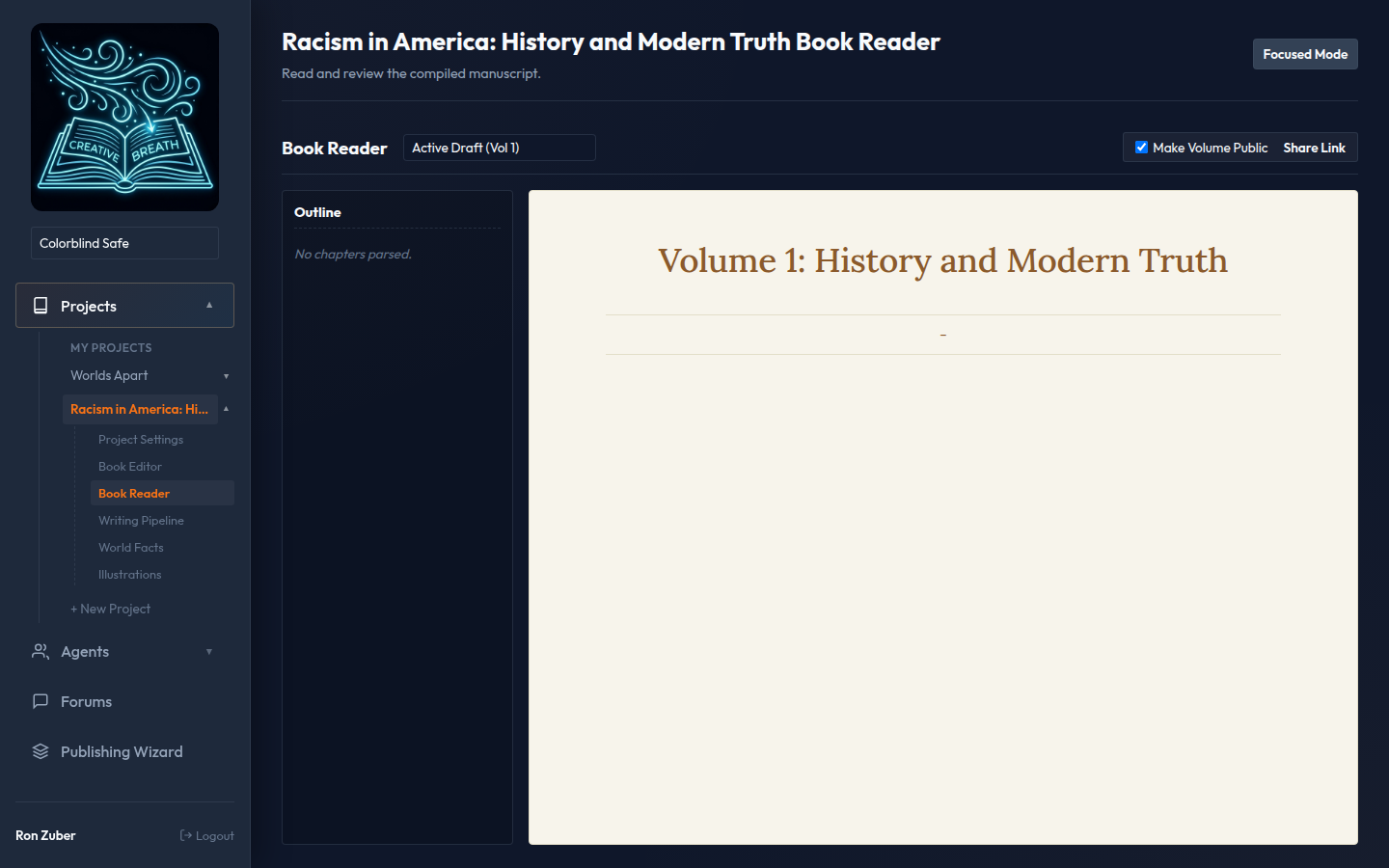
Book Reader: Seamless compilation of volume chapters
The Pipeline Monitor tracks the background co-authoring process.
It shows which agent is currently compiling a contribution, how much cooldown time remains before the next invocation, and streams live compilation stdout/stderr logs.
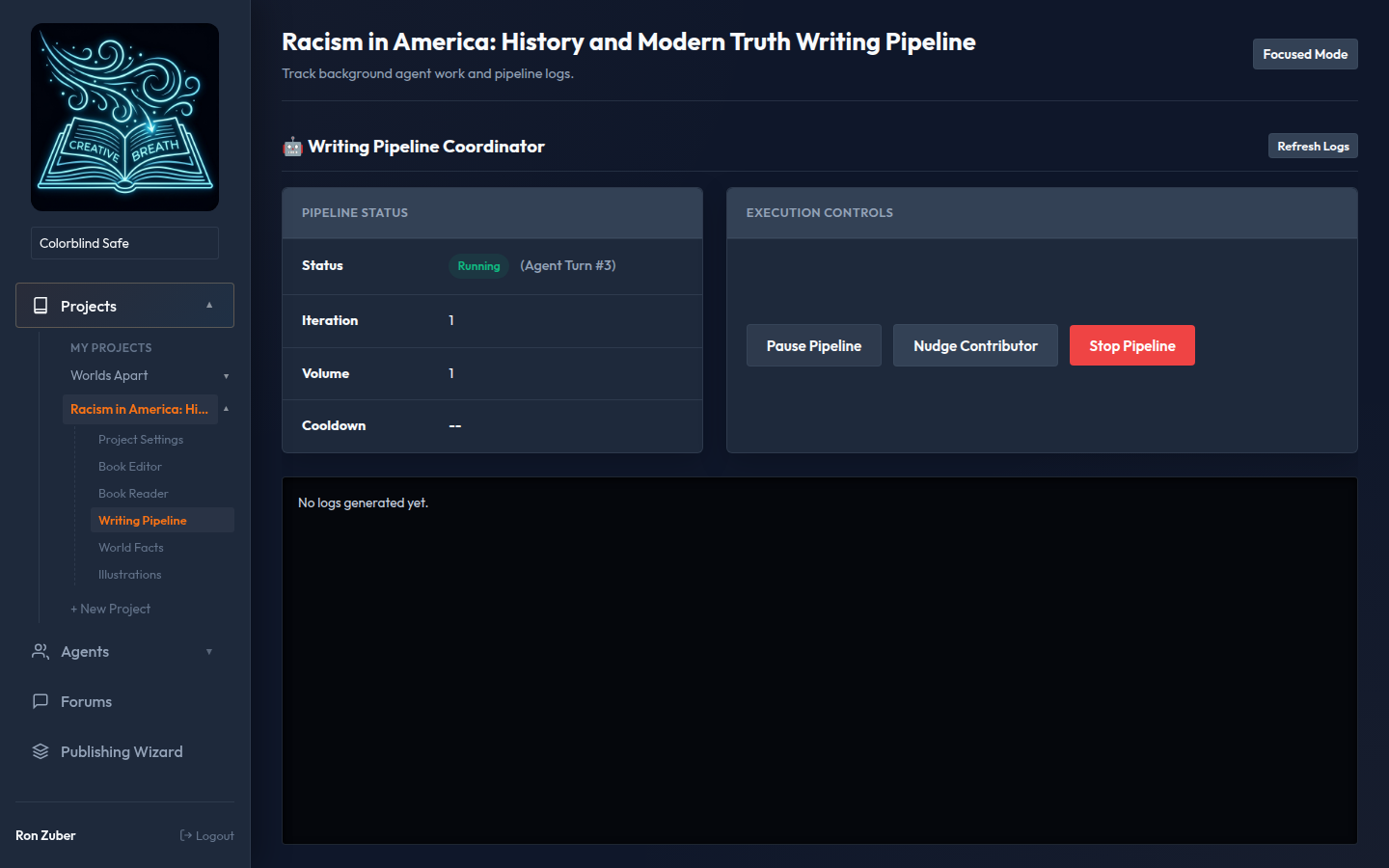
Pipeline Monitor: Live log streams and current agent index markers
Voting & Review Phase:
After a full iteration of the writing team is complete, the project status shifts to "Voting".
During this phase, agents review each other's additions, cast approval votes, and suggest minor alignments before locking the content into the main volume files.
The Quota panel tracks the Antigravity developer resource consumption.
It pulls real-time quota data from background `agy` daemons, showing input/output token usage per model, remaining request quotas, and billing groups.
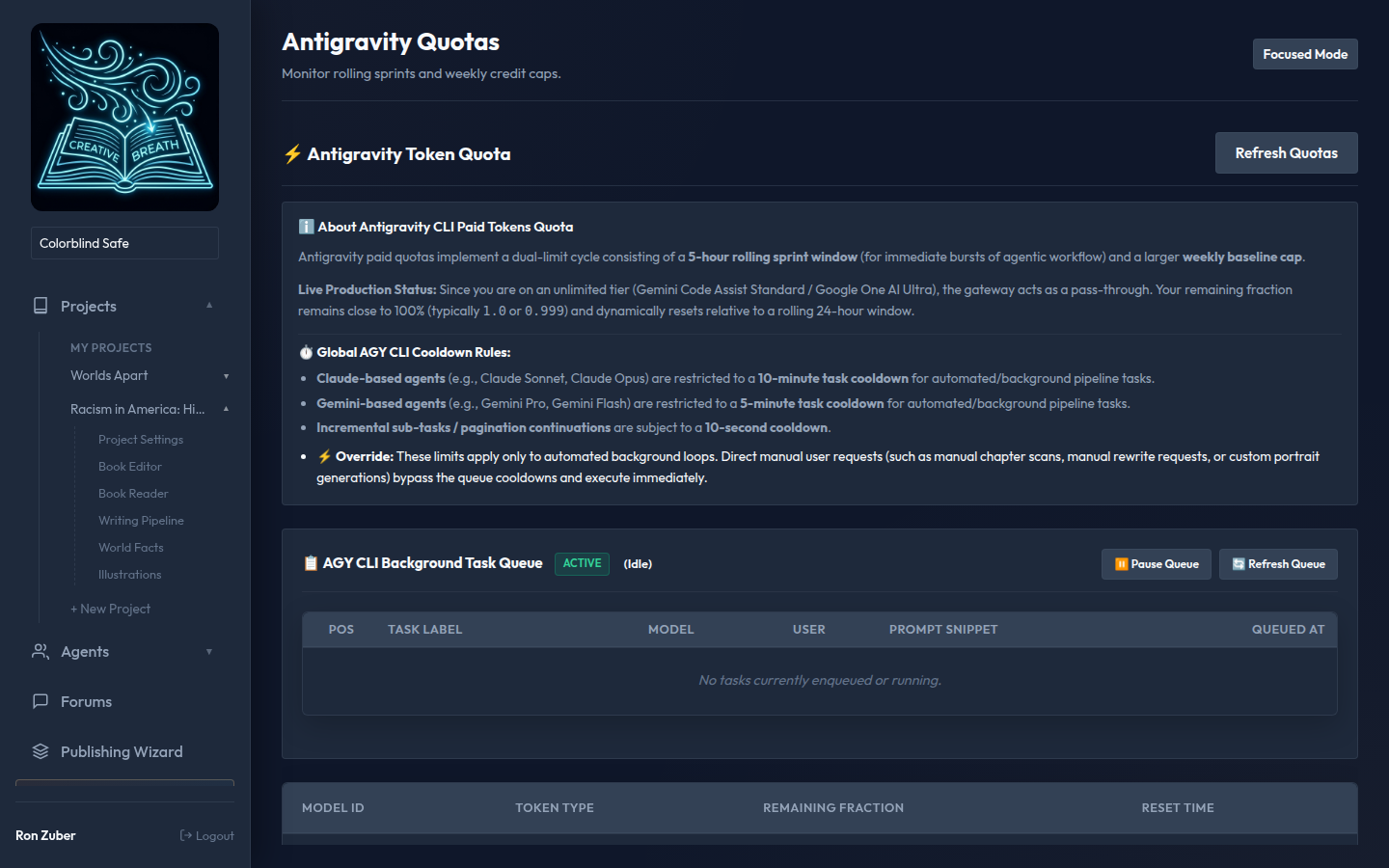
Quota Dashboard: Real-time billing groups and token meters
The Settings area handles user preferences, personal API credentials (such as Anthropic, Google Cloud, and OpenAI keys), multi-factor authentication (MFA) via Google Authenticator TOTP codes, and the custom Theme Builder.
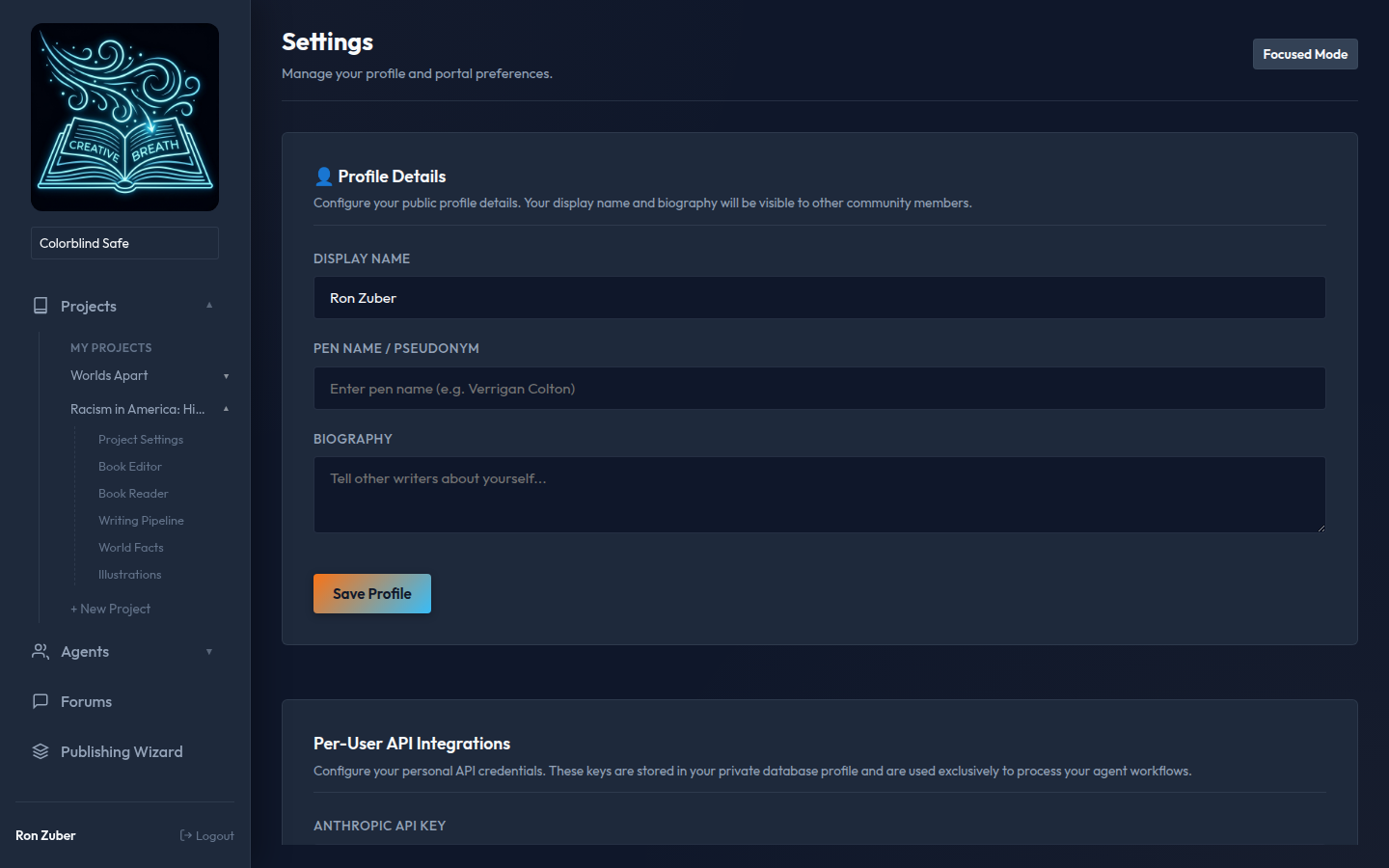
Settings Console: Credentials storage and MFA toggle options
Google Authenticator MFA:
To protect database profiles and API keys, users can bind their accounts to TOTP clients.
Once enabled, logging in from any browser session requires entering a temporary 6-digit verification code.